
Meet ID photo needs
Prepare portrait photos for common forms and applications.
Upload a photo, choose size, background color, and output format, then create a standard ID photo in your browser.
Supports JPG, PNG, and WEBP
Your photo is processed locally in your browser and is not uploaded to the server.
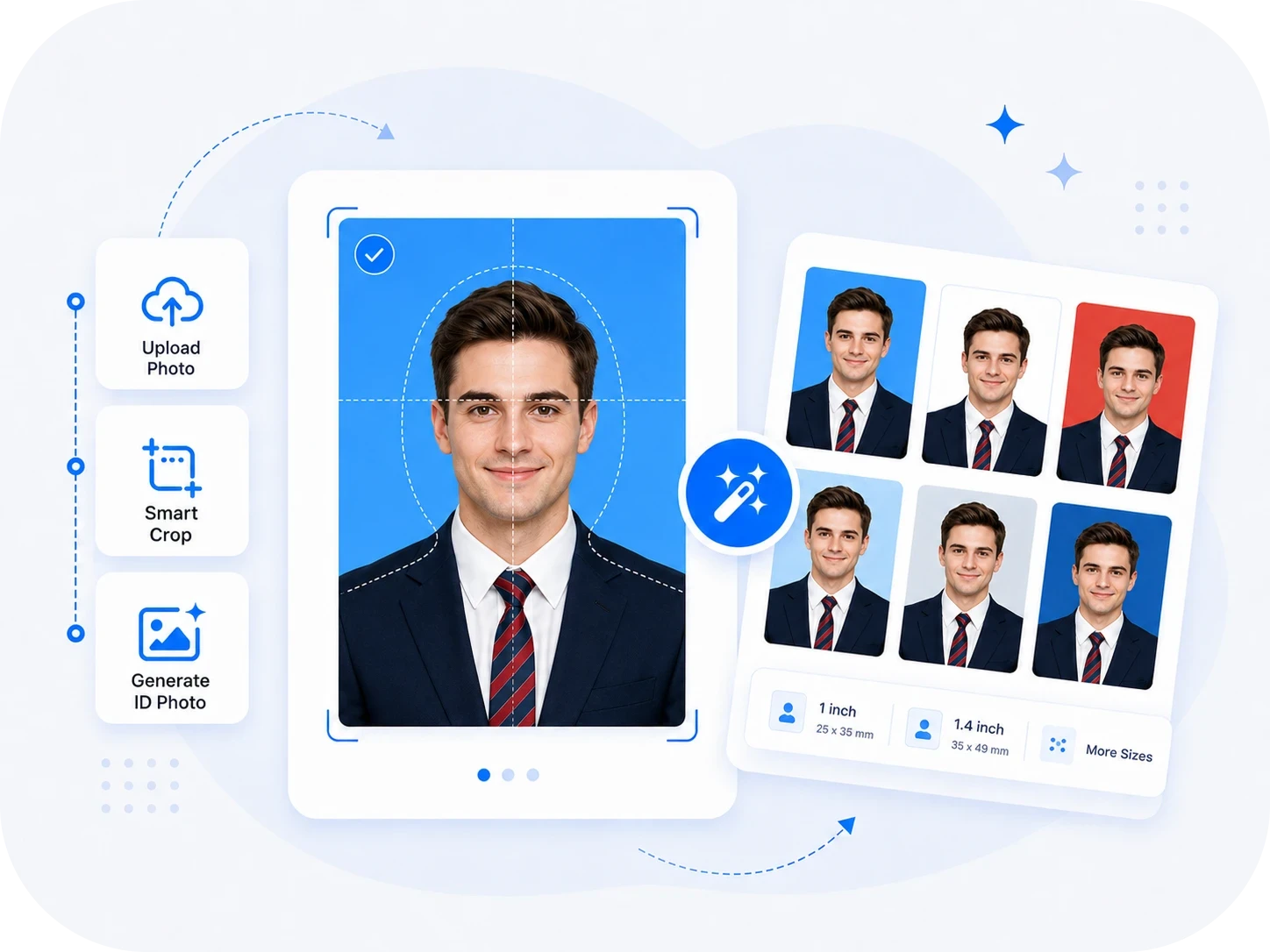
Prepare portrait photos for common forms and applications.
Tune photo details to fit common application needs.
Use photos for forms, exams, and applications.
Use finished photos for applications, resumes, and records.
Choose a clear portrait photo.
Adjust ID photo settings as needed.
Save the generated ID photo.
Prepare photos for common submission needs.
Adjust size and background to match requirements.
Avoid repeated complex photo editing steps.
Download the result to your device.
Prepare photos for registration forms.
Organize portrait photos for documents.
Create portrait photos for applications.
Save reusable ID photo files.
An ID photo maker helps prepare portrait photos for registration, exams, resumes, applications, or document submissions. Size, background, face position, and output format are usually important.
Different platforms require different photo sizes, backgrounds, and formats. Making ID photos online can reduce repeated cropping, background editing, and file preparation work.
Upload a clear front-facing photo, adjust the available settings, preview the result, and download the processed photo for registration, application, or document submission.
The result depends on the original photo clarity, lighting, and subject edges. Use a clear, front-facing portrait and review the face and background after downloading.
FastToolAI prioritizes browser-local ID photo processing. For personal photos, keep the original image and check that the downloaded result meets your submission needs.
ID photo tools support common formats such as JPG, PNG, and WebP. Available output options may vary by page, so check your target platform requirements before submission.