
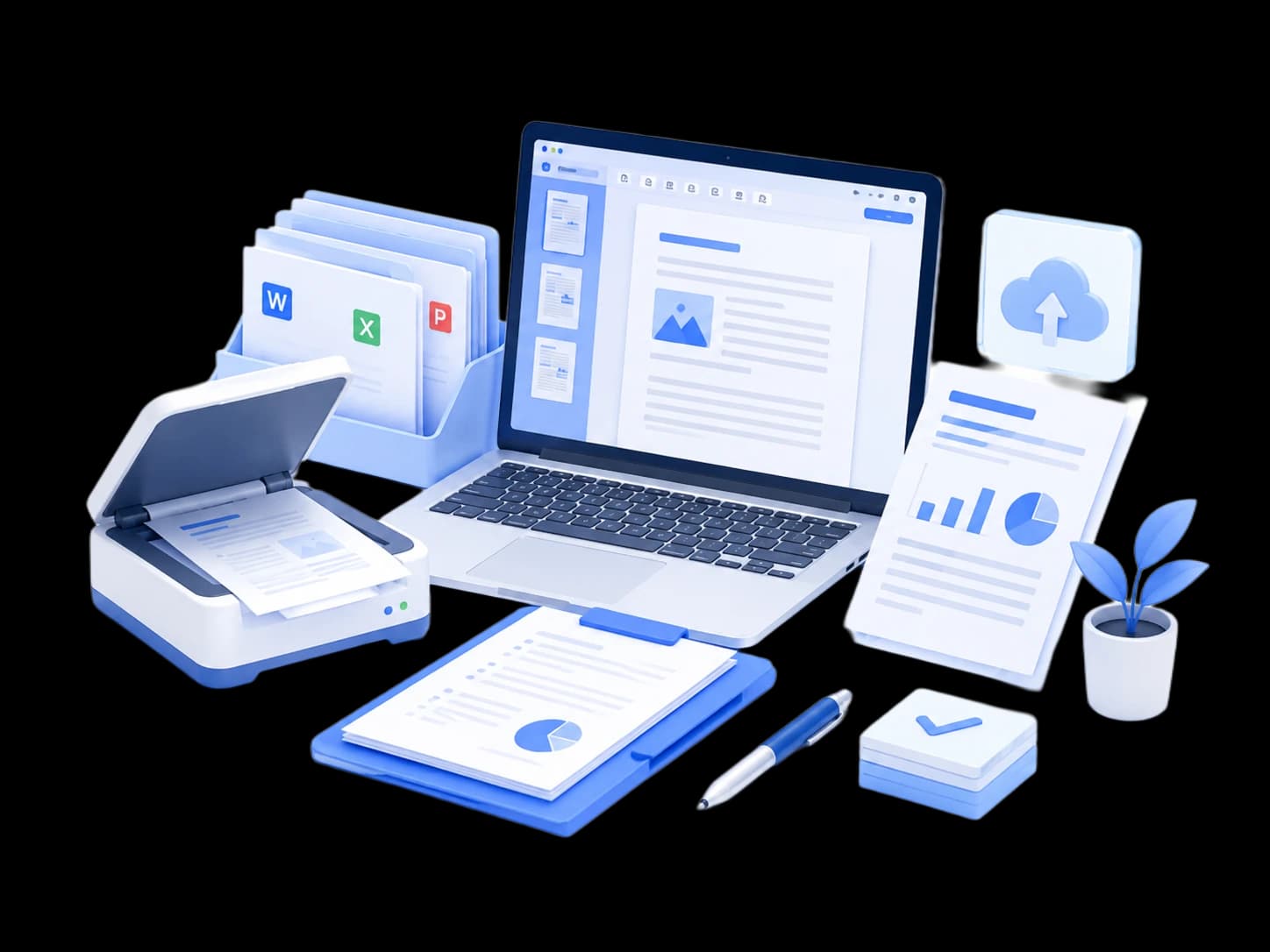
Office document processing
Compress, merge, and convert PDF files to organize work materials and improve daily productivity.
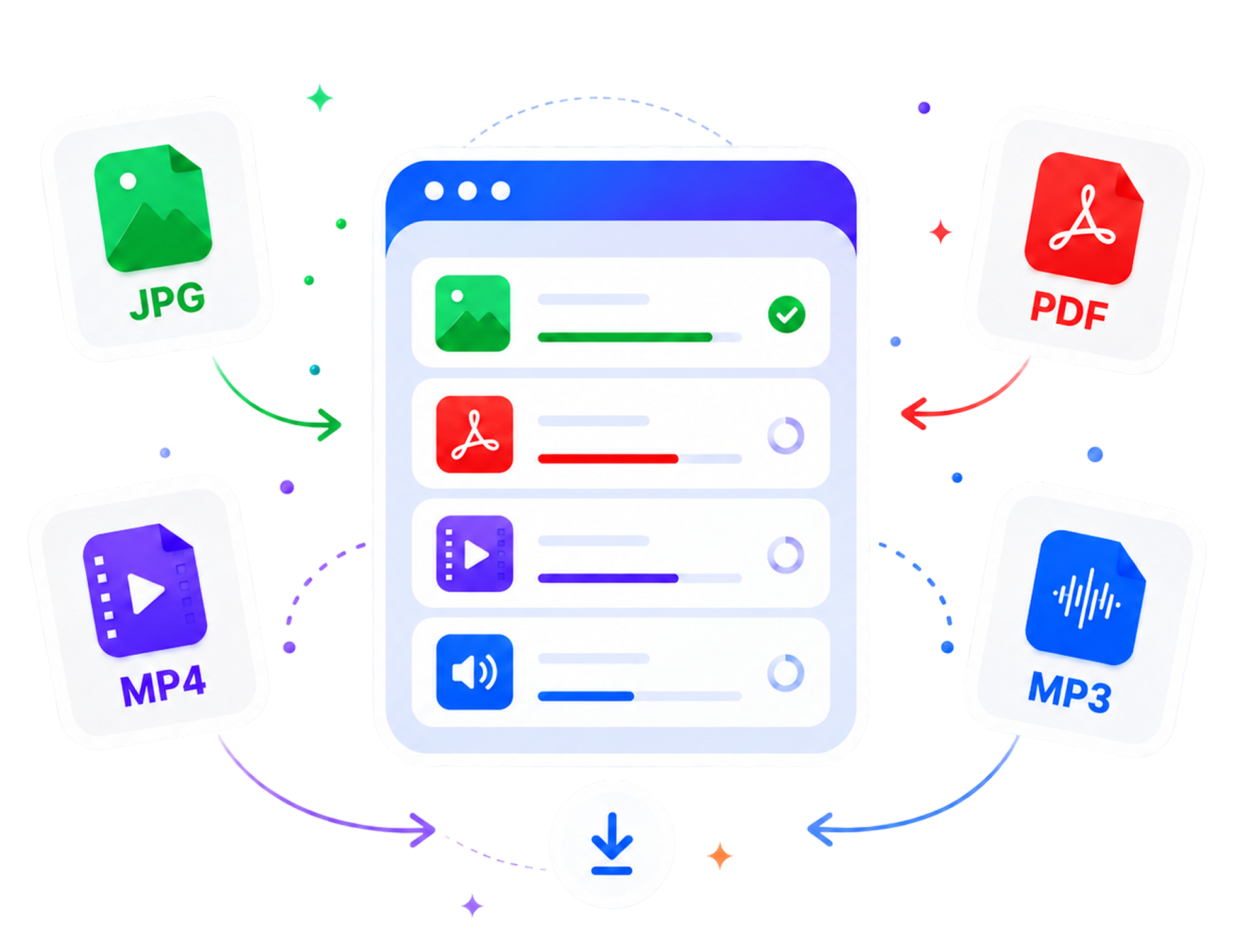
Free online tools for PDF, images, video and audio. Most tasks run directly in your browser with no installation or sign-up required.
Compress, merge, split, adjust pages, and convert PDF files for common office and study workflows.
Open PDF Tools
Compress images, convert formats, resize, crop, rotate, and add watermarks to optimize image size and format quickly.
Open Image Tools
Supports common audio tasks including trimming, format conversion, audio merging, and audio extraction, helping users quickly complete basic audio processing.
Go to Audio Tools
Convert, compress, trim, capture screenshots, and extract audio from videos for everyday media tasks.
Open Video ToolsCommon PDF, image, and video tools are available online
Open a browser, choose a tool, and start processing files
Supports common PDF, image, and video processing needs
Tasks that can run in the browser are prioritized locally
Useful for office tasks, study, content work, and file cleanup
Compress, merge, and convert PDF files to organize work materials and improve daily productivity.

Compress images, resize them, and convert formats for product pages and platform upload requirements.

Convert handouts, merge documents, and organize study materials for saving, sharing, and printing.

Trim clips, convert formats, and compress videos for social media and publishing platforms.
Pick the file processing tool you need from categories or search results.

Select or drop the files you want to process, then adjust settings if needed.
Preview the finished result and download the processed file to your device.
FastToolAI is a free, easy-to-use online file processing platform focused on efficient and safe image, PDF, and video tools for global users. Most actions run directly in the browser without installing software or creating an account. We aim to make file processing simpler and faster while continuing to provide stable tools for different languages and regions.

Yes. The basic file processing tools currently available on FastToolAI can be used for free. You can open a tool and process files without buying a membership or subscription.
No. FastToolAI runs in your browser. You can use modern browsers such as Chrome, Edge, Safari, and Firefox without downloading a desktop app.
Most image, PDF, and video tools prioritize browser local processing, so files do not leave your device. A few tools that require server processing will clearly explain this before upload.
Files processed locally are not uploaded to FastToolAI servers. Files that require server processing should only be used for the current task and handled according to the privacy policy. Avoid uploading highly sensitive files before confirming how a tool works.
FastToolAI supports common formats such as PDF, JPG, JPEG, PNG, WebP, HEIC, MP4, and MOV. Specific requirements vary by tool and are shown in each upload area.
Processing speed depends on file size, device performance, browser environment, and network conditions. Local tools can use your device directly without waiting for upload and download steps.
No. FastToolAI basic tools can be used without creating an account or logging in. Open a tool, add files, process, and download the result.
Some tools support multiple files at once, such as PDF merge, image compression, and format conversion. File count limits are shown on the relevant tool page.
Video tools mainly support common formats such as MP4, MOV, and WebM. Browser codec support can vary, so check each tool page for exact requirements.
Image compression may slightly affect quality. You can balance file size and clarity through compression or quality settings, and check the result before downloading.
Output quality depends on the original audio quality, target format, and settings. FastToolAI keeps practical defaults for common use cases.
Use the language option in the top-right area of the page. When switching languages, the site tries to preserve the current tool or page path.