
Format conversion
Convert photos to the format you need.
YOUR POCKET IMAGE TOOLKIT
From format conversion to everyday edits,
your essential tools, together on your phone.
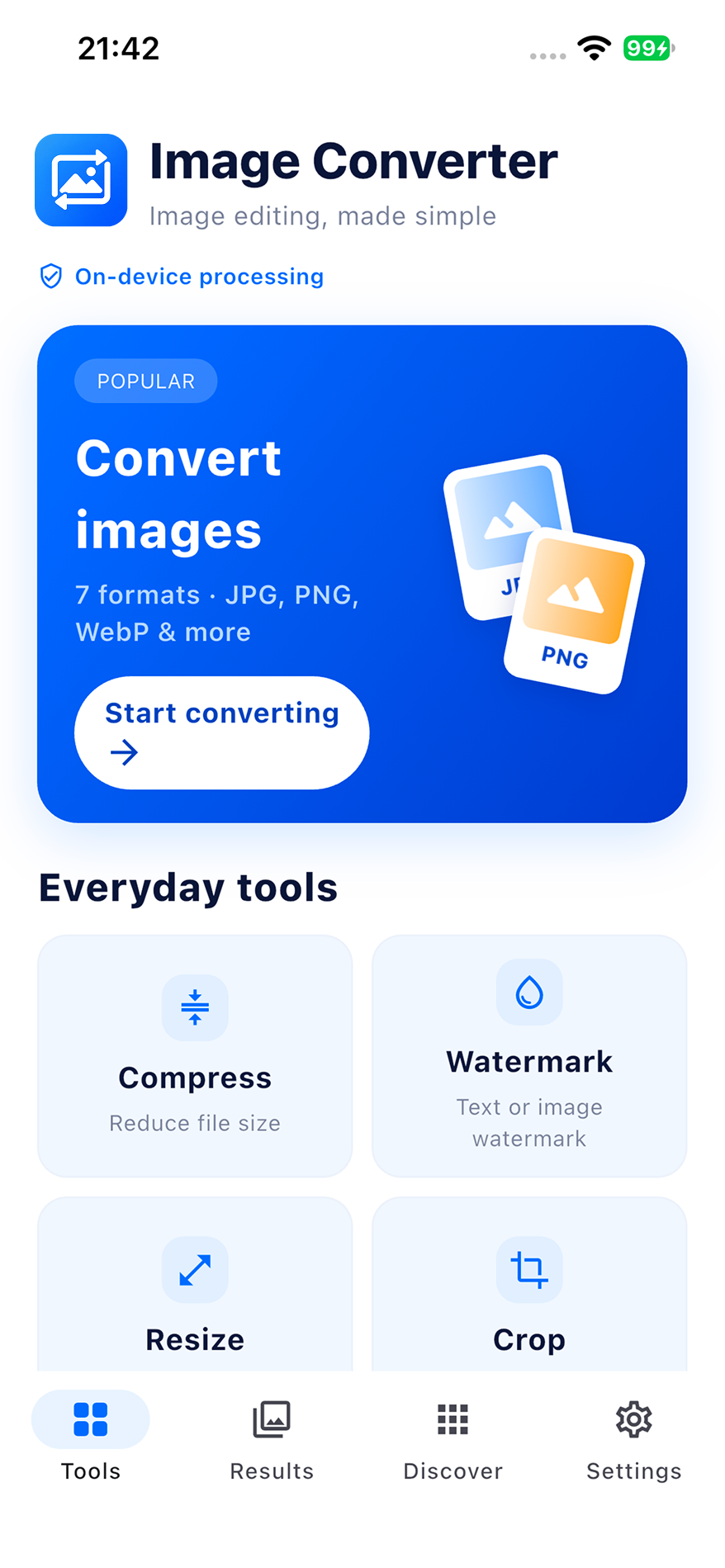
Convert, compress, edit and organize. The essentials are all here.
Convert photos to the format you need.
Convert several images at once with fewer repeated steps.
Adjust file size and dimensions for submissions.
Frame, rotate and mark your images.
Extract text or combine images into a PDF.
Adjust framing and background for your ID photo.
 IMG_1020.HEIC
 IMG_1021.HEIC
 IMG_1022.HEIC
Select a format to explore the illustration
A photo format that won’t open? Convert HEIC photos to JPG, PNG, WebP and more for documents, creative work and sharing.
A file size limit for a form, or specific dimensions for a post? Compress, resize, crop, rotate and watermark your images for the task at hand.
For applications, form attachments and product photos.

Extract text from screenshots, notes and document photos to cut down on typing.
TEXT RECOGNITIONCombine document photos into a PDF that is easy to save, submit and share.
IMAGE TO PDFAdjust framing and background for an ID photo. Check the photo requirements for your application before use.
ID PHOTO TOOLSMake image editing a small, simple part of your day.
Prepare document formats, file sizes and image dimensions.
Extract text from notes and save pages together as a PDF.
Crop assets, resize images and watermark your work.
Convert HEIC photos for easier saving and sharing.
Image conversion and editing happen locally on your device, without uploading images to a server. Organize your work files, everyday photos and creative assets with peace of mind.
Local processing · No image uploads
Keep your everyday image tools close at hand.
iPhone · iOS
Android
For iPhone and Android. System requirements and regional availability are listed on the store pages.
Image Converter is for iPhone and Android, with downloads through the App Store and Google Play. System requirements, regional availability and features depend on the version and store listing.
No. Image processing, including conversion, compression and resizing, takes place locally on your device without uploading your images to a server.
Yes. Convert HEIC photos to formats such as JPG, PNG and WebP, including multiple images in a batch. Preview the results before saving.